3. Sync Shopify data
Sync creates the Shopify data foundation used throughout ShelfOps: product variants, locations, and inventory snapshots. The initial import is asynchronous, so a large catalog can continue processing after you leave the page.
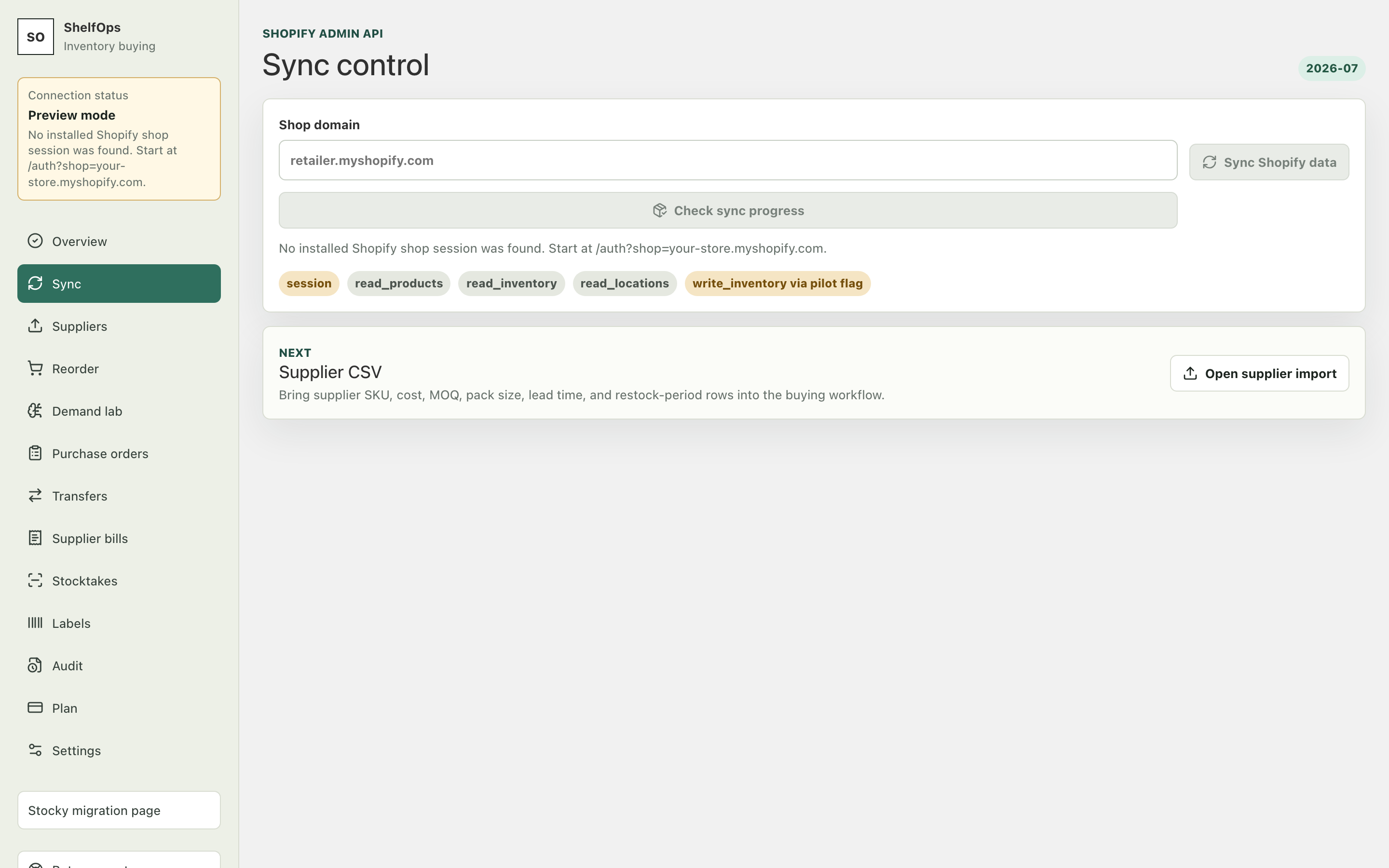
Start a sync
- Open Sync.
- Select Start sync.
- Keep working or leave the page while Shopify prepares the bulk result.
- Return to Sync and confirm that the job reaches a completed state.
- Compare the displayed variant and location totals with Shopify.
Expected result: ShelfOps reports a successful job and Overview marks Shopify sync complete.
Understand sync states
| State | Meaning | Action |
|---|---|---|
| Queued or running | Shopify is preparing or returning bulk data | Wait; do not start duplicate jobs |
| Completed | Results were ingested and snapshots persisted | Continue to Suppliers |
| Failed | Shopify or ShelfOps returned a terminal error | Read the error, then retry once |
| Stale | The last successful snapshot is older than the operation allows | Sync again before confirming a write |
Near-real-time changes
Webhooks update supported Shopify changes after the initial import. Webhook processing is idempotent: a repeated delivery should not duplicate the business event. A manual sync remains the clearest recovery step when totals no longer agree.