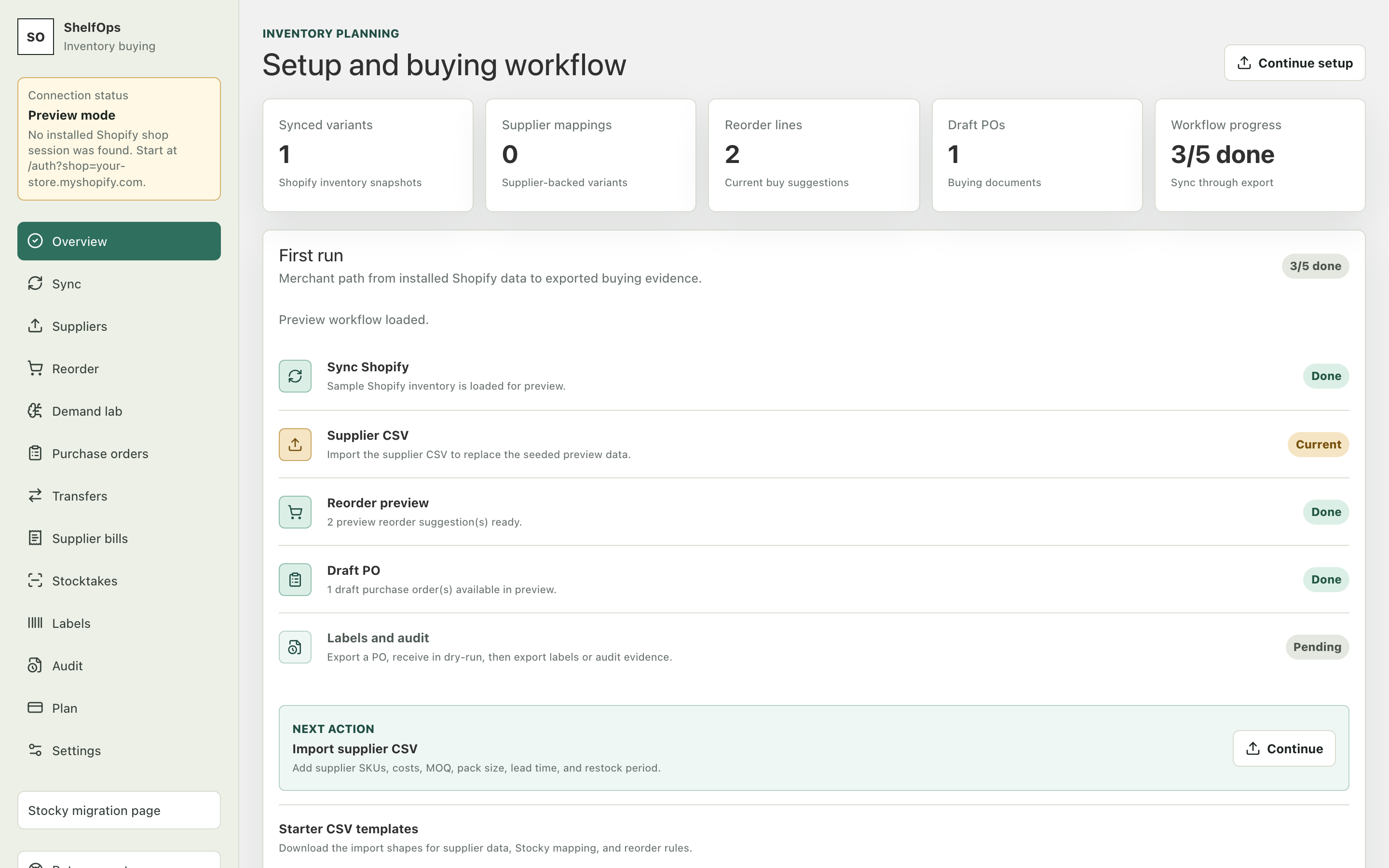
Welcome to ShelfOps
ShelfOps is an inventory buying workspace embedded in Shopify Admin. It brings supplier information, reorder planning, purchase orders, receiving, transfers, stocktakes, supplier bills, labels, and audit records into one operational flow.
This guide is written for buyers, inventory managers, receivers, and store owners. You do not need technical or API knowledge. The screenshots use synthetic preview data; your installed app shows your own Shopify products, locations, and inventory.
The operating model
ShelfOps separates planning from inventory changes. You can sync, map suppliers, calculate reorder quantities, create draft POs, receive deliveries, run counts, and review transfers in preview mode. A Shopify inventory update can happen only when the relevant deployment availability, Shopify permission, store choice, and exact-operation confirmation all pass.
| Stage | What ShelfOps does | What you decide |
|---|---|---|
| Sync | Imports Shopify variants, locations, and inventory | When to refresh the workspace |
| Map | Connects variants to suppliers and buying rules | Which supplier and constraints are correct |
| Buy | Calculates or records purchase quantities | Which lines and quantities enter a draft PO |
| Receive | Classifies delivered units and saves a receipt preview | Whether to commit that exact receipt |
| Count | Saves blind or visible counts and compares with Shopify | Whether to commit the frozen adjustment preview |
| Audit | Records actions, exports, and outcomes | How to investigate and reconcile exceptions |