11. Track supplier bills and external payments
Supplier bills connect a received ShelfOps PO to the supplier invoice, due date, invoiced quantities, and records of payments made elsewhere. ShelfOps does not transfer funds, use Shopify Bill Pay, or post to accounting software.
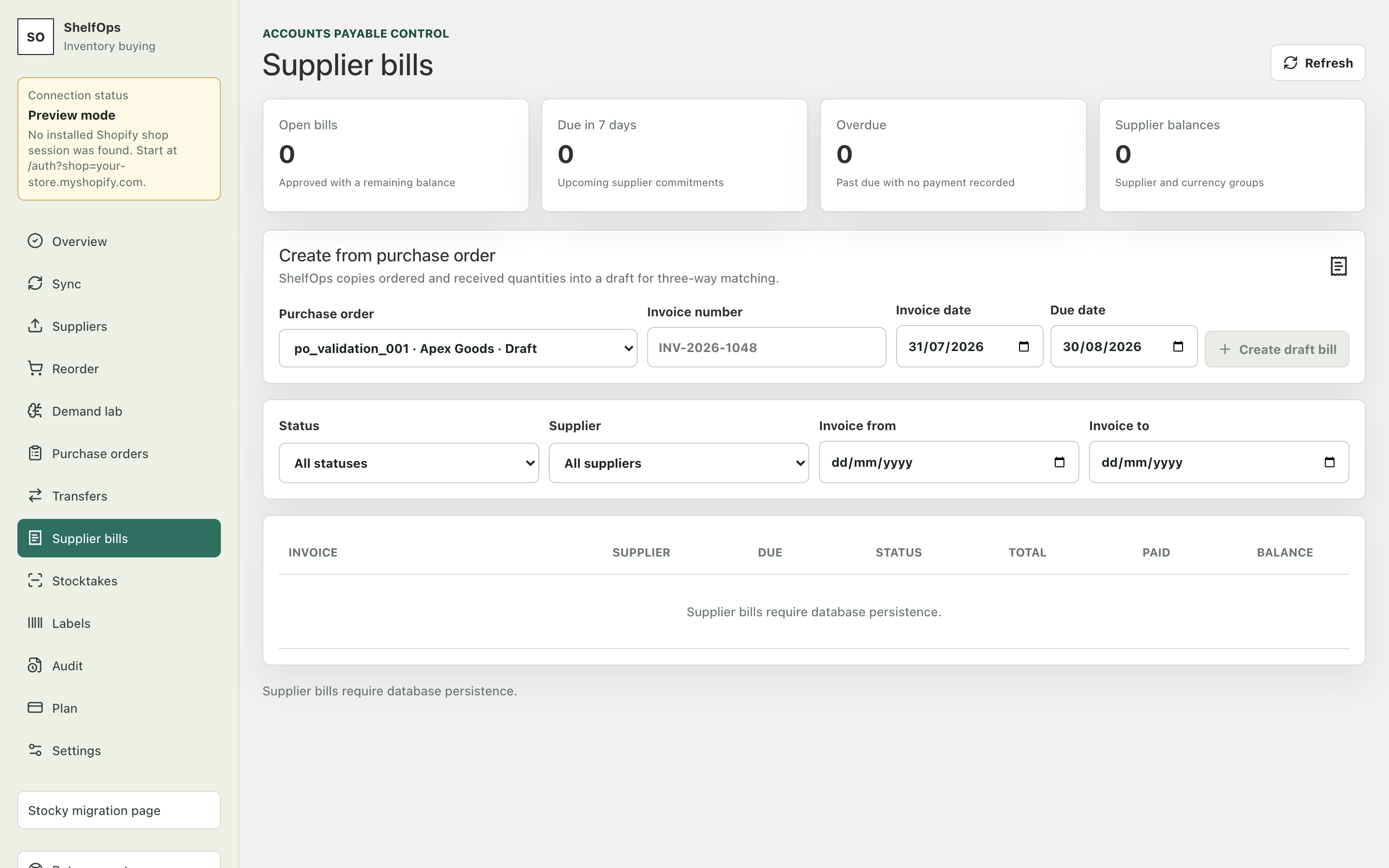
Create and approve a bill
- Open a received PO and create a supplier bill draft.
- Enter the supplier invoice number and due date.
- Match ordered, received, and invoiced quantities and costs.
- Resolve discrepancies before approval.
- Approve the bill. Approved invoice fields are locked.
Record an external payment
- Open the approved bill.
- Record the amount, date, reference, and payment method used outside ShelfOps.
- Confirm the updated paid and balance totals.
ShelfOps derives Draft, Unpaid, Partially paid, Paid, Overdue, and Void from approval, due date, active payment records, and void state. It prevents duplicate invoice numbers per shop and supplier, zero or negative payments, duplicate payment requests, and overpayments.
Reverse or void
Payments are immutable records. Correct a payment with a linked reversal. A bill with an active paid balance cannot be voided until active payments are reversed. Voiding preserves the original bill and history.