7. Work with purchase orders
ShelfOps purchase orders are internal operational records. They group one supplier, one destination location, and explicit line quantities. Export the PO and send it through your normal supplier communication channel.
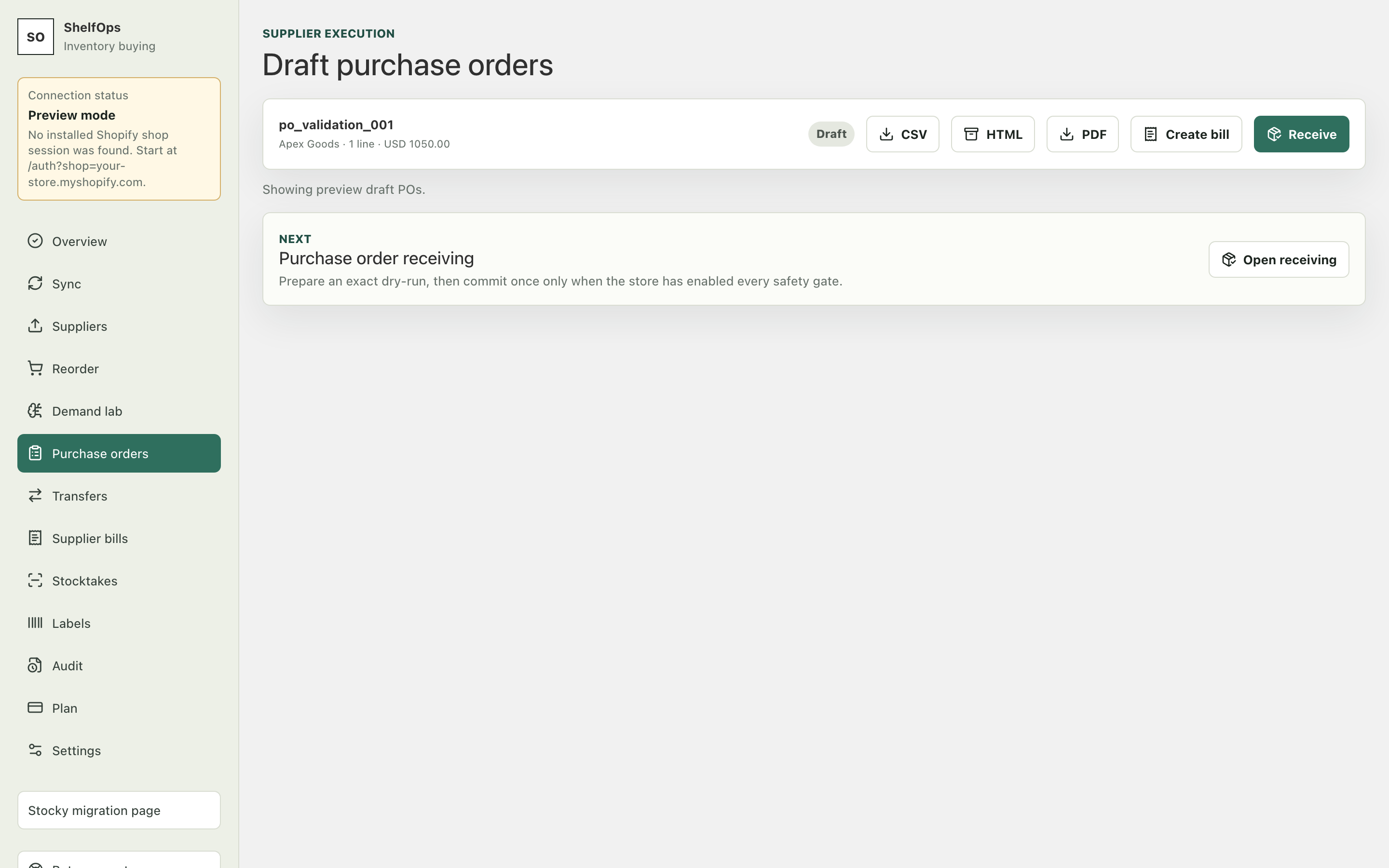
Create a draft PO
- From Reorder or Demand Lab, select compatible lines.
- Review supplier, destination location, SKU, supplier SKU, quantity, unit cost, and total.
- Select Create draft PO.
- Open Purchase orders and confirm the new draft appears once.
Export and use the PO
- Export CSV for spreadsheet or system handoff.
- Use the printable HTML view for printing or PDF output.
- Send the exported PO to the supplier outside ShelfOps.
- Return to the same PO when goods arrive.
PO lifecycle
A draft can be reviewed and exported before receiving begins. Complete, partial, and multiple receipts accumulate against the ordered lines. Once receiving activity exists, the PO destination location is locked so historical receipts do not become ambiguous.