10. Run stocktakes
Stocktakes support full inventory counts and filtered cycle counts. Counts persist as you work, can be blind, can require a second count, and freeze an exact compare-and-swap preview before an optional Shopify update.
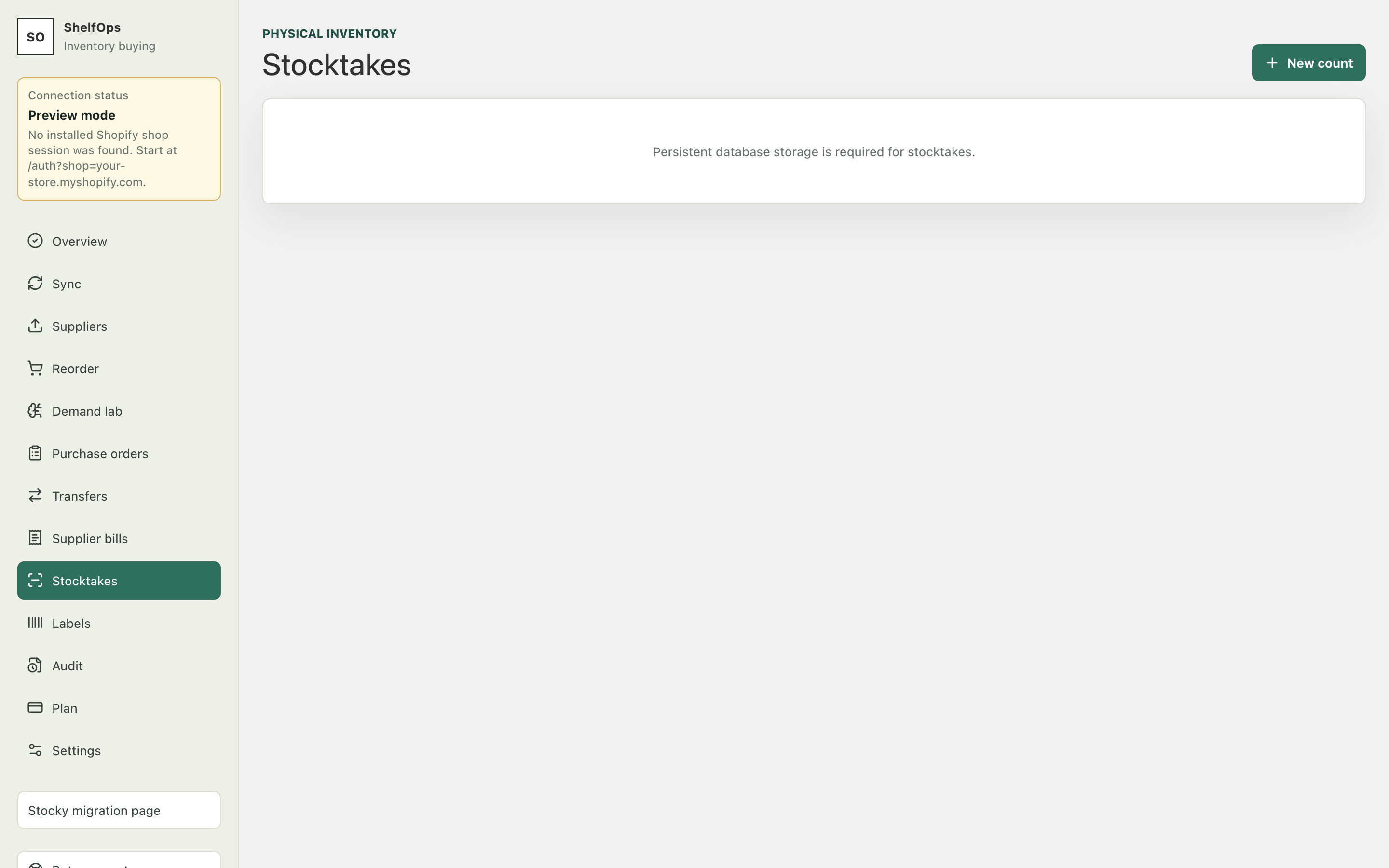
Create a count
- Open Stocktakes and select New stocktake.
- Select one Shopify location.
- Choose a full count or filter by product, SKU, barcode, vendor, or collection.
- Choose blind count when counters should not see the expected quantity.
- Save the stocktake.
Count and review
- Search or scan the exact variant.
- Enter the physical quantity. Enter zero explicitly; an uncounted line is never converted to zero.
- Save progress and resume as needed.
- Request and complete a second count when the discrepancy needs verification.
- Refresh Shopify baselines and resolve concurrent-change conflicts.
- Freeze the immutable preview.
- Review every
change fromand target quantity. - Keep preview-only, or use the exact final confirmation when stocktake writeback is enabled.
Concurrency safety
Each live adjustment includes the concrete Shopify quantity that the preview compared against. If Shopify changed after the preview, the operation fails closed and requires reconciliation and a physical recount. A retry uses the same frozen batch and idempotency key.