6. Understand Demand Lab availability
Demand Lab is ShelfOps' forecasting and buying-decision workspace. It is intentionally separate from the stable rule-based Reorder workflow. It is currently disabled and inert in the public product: the released Shopify scopes do not include order-history access for forecasting. The page can therefore show its shadow-mode boundary or missing prerequisites, but public merchants should use Reorder for current buying decisions.
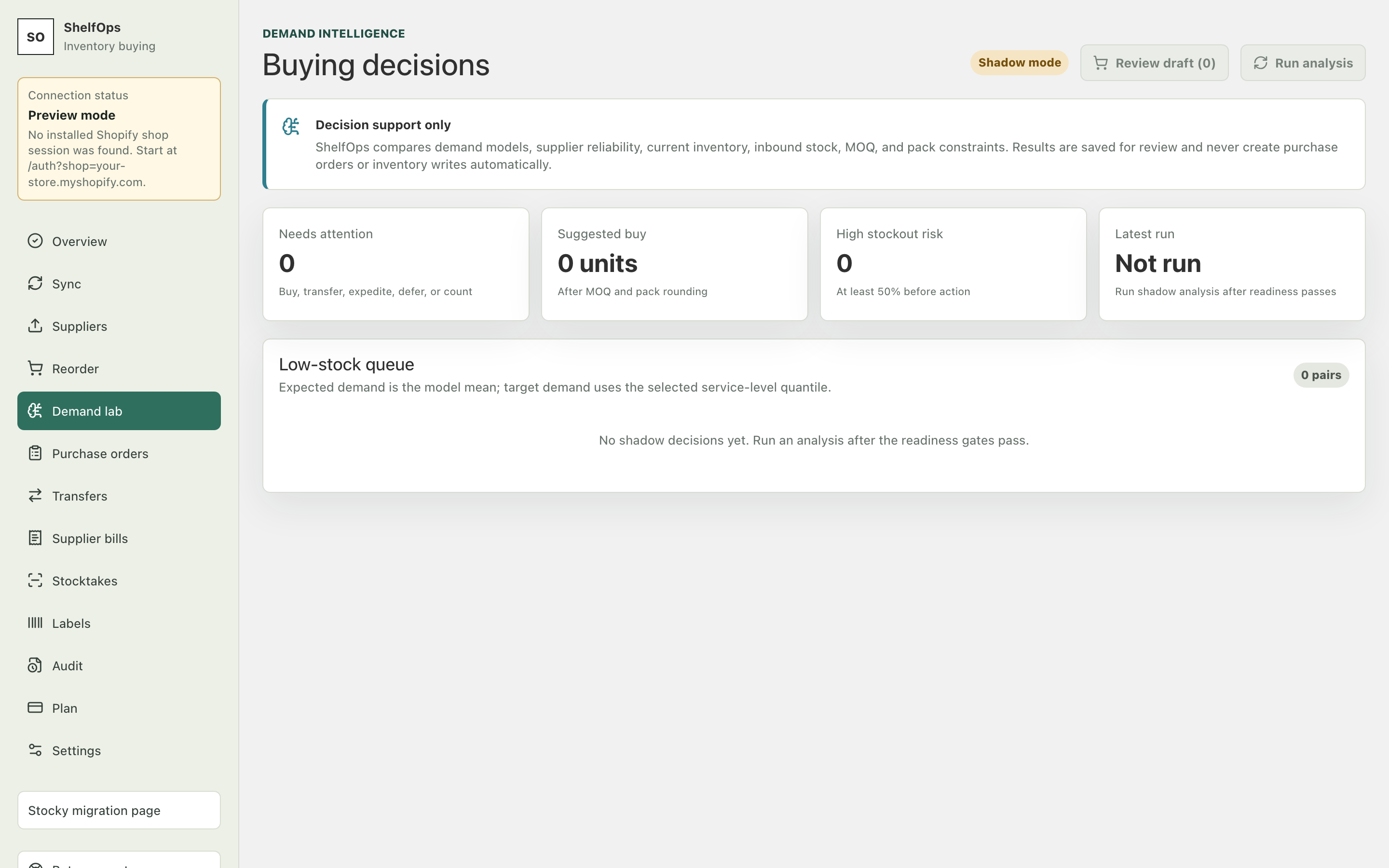
Understand the shadow workflow
When a controlled shadow run is available, recommendations can use one of these actions:
| Action | Meaning |
|---|---|
| Buy | Purchase from the mapped supplier |
| No buy | Current inventory position is sufficient |
| Defer | Wait because evidence, budget, or timing does not support buying now |
| Expedite | Follow up on inbound supply rather than place a duplicate order |
| Transfer | Use measured surplus at another location |
| Stocktake | Verify inventory because uncertainty is more important than forecast demand |
Review the forecast origin, evidence window, predicted demand range, inventory position, supplier reliability, cost, constraints, and explanation. P50 is a middle estimate; P80 and P95 are progressively more conservative demand ranges, not guarantees.
Recommendation-derived draft POs
This controlled workflow is not a normal public merchant action today. In an authorized rollout, an operator would:
- Open the exact recommendation run.
- Select only Buy lines with a positive quantity.
- Confirm one supplier and one destination location for the PO.
- Review the run timestamp and reject stale evidence.
- Confirm the exact run and quantities.
Expected result: ShelfOps creates one internal draft PO. Retrying the same confirmed operation does not create a duplicate.